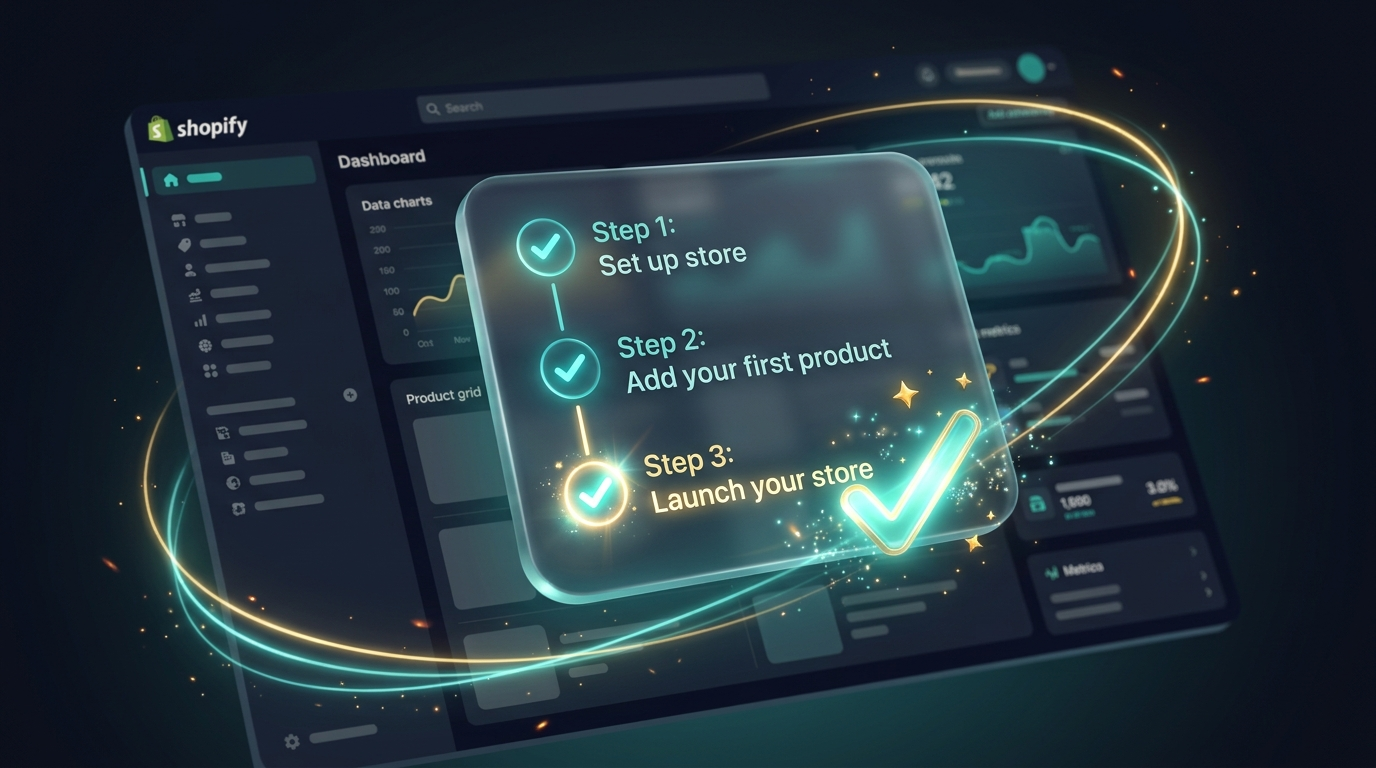
Setting Up Live Metal Auto Price Updater: Install to First Sync in Under 10 Minutes
Install from the Shopify App Store and authorize access to your product catalog — no separate account creation or external dashboard login required, it runs inside your existing Shopify admin.
Tag which products track which metal (gold, silver, platinum) and set your markup logic per metal type or collection — this is the only genuinely manual step, and it's a one-time setup, not a recurring task.
Trigger the first bulk sync and watch it apply live spot-rate pricing across your mapped catalog in seconds. From here, it runs on its own schedule — the 10 minutes of setup is the only time you'll spend on pricing mechanics going forward.
7-day free trial, no credit card required.
Install App Free →
More at klyx.agency/live-metal-auto-price-updater.