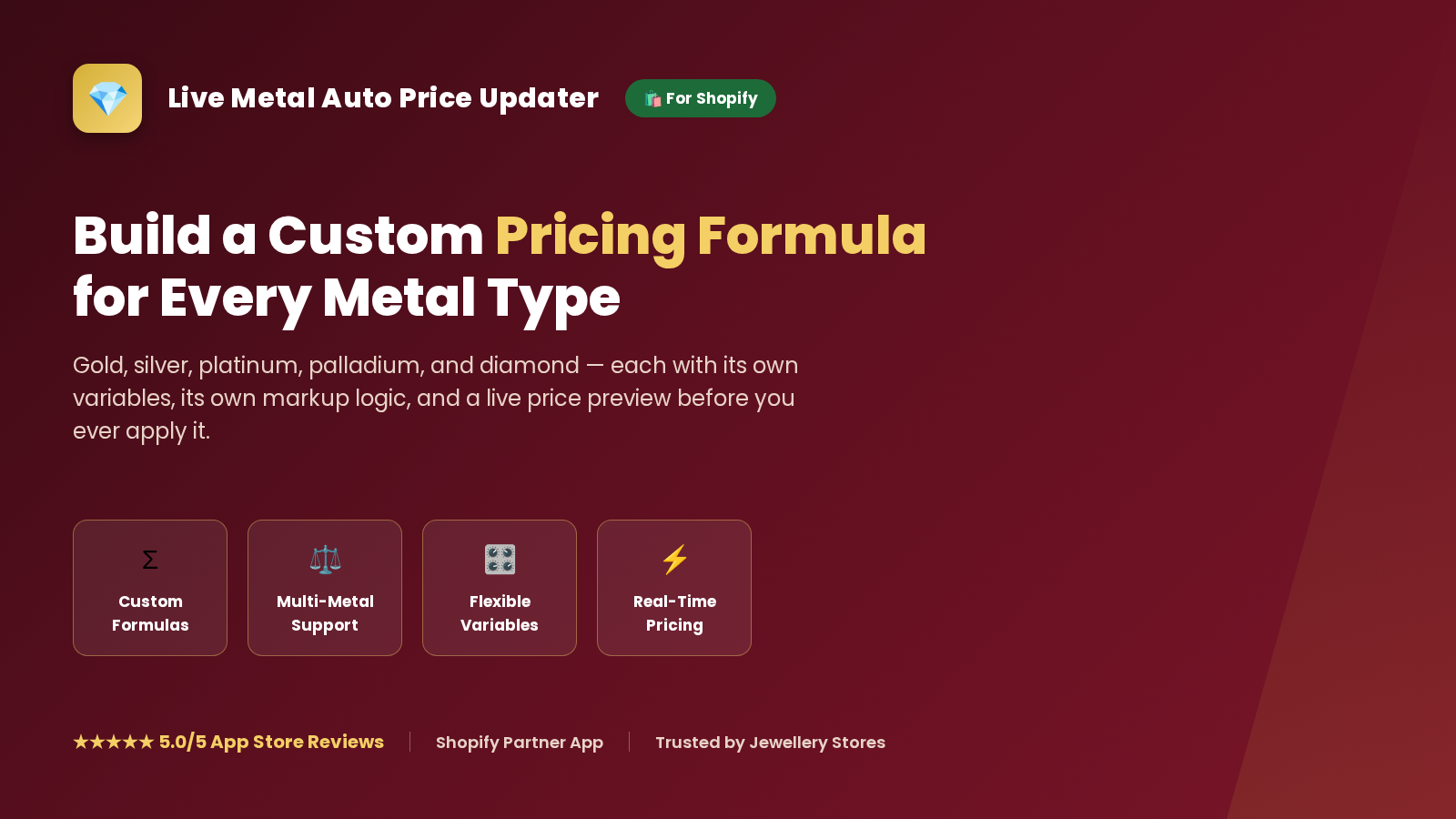
Build a Custom Pricing Formula for Gold, Silver, Platinum, Palladium, and Diamond
A flat percentage markup applied across the board either overcharges on low-margin pieces or undercharges on labor-intensive ones. Metal weight, purity, making charges, wastage percentage, and stone carat all factor into a real price differently depending on the piece — collapsing all of that into one rule means some products are mispriced no matter where you set it.
Build a distinct formula per metal type — gold, silver, platinum, palladium, or diamond — using the exact variables that matter for that piece: metal weight, purity, making charge (fixed or percentage), wastage, extra margin, side-stone weight, rhodium charge, setting charge. Each formula gets a live preview showing the calculated price as you adjust the expression, so you're never guessing whether it's right before assigning it.
A formula gets assigned to a collection or tag once, then applies automatically to every matching product — including new ones added later. You're not re-configuring pricing logic every time the catalog grows; you're defining the rule once per category and letting it scale.
7-day free trial, no credit card required.
Install App Free →
More at klyx.agency/live-metal-auto-price-updater.